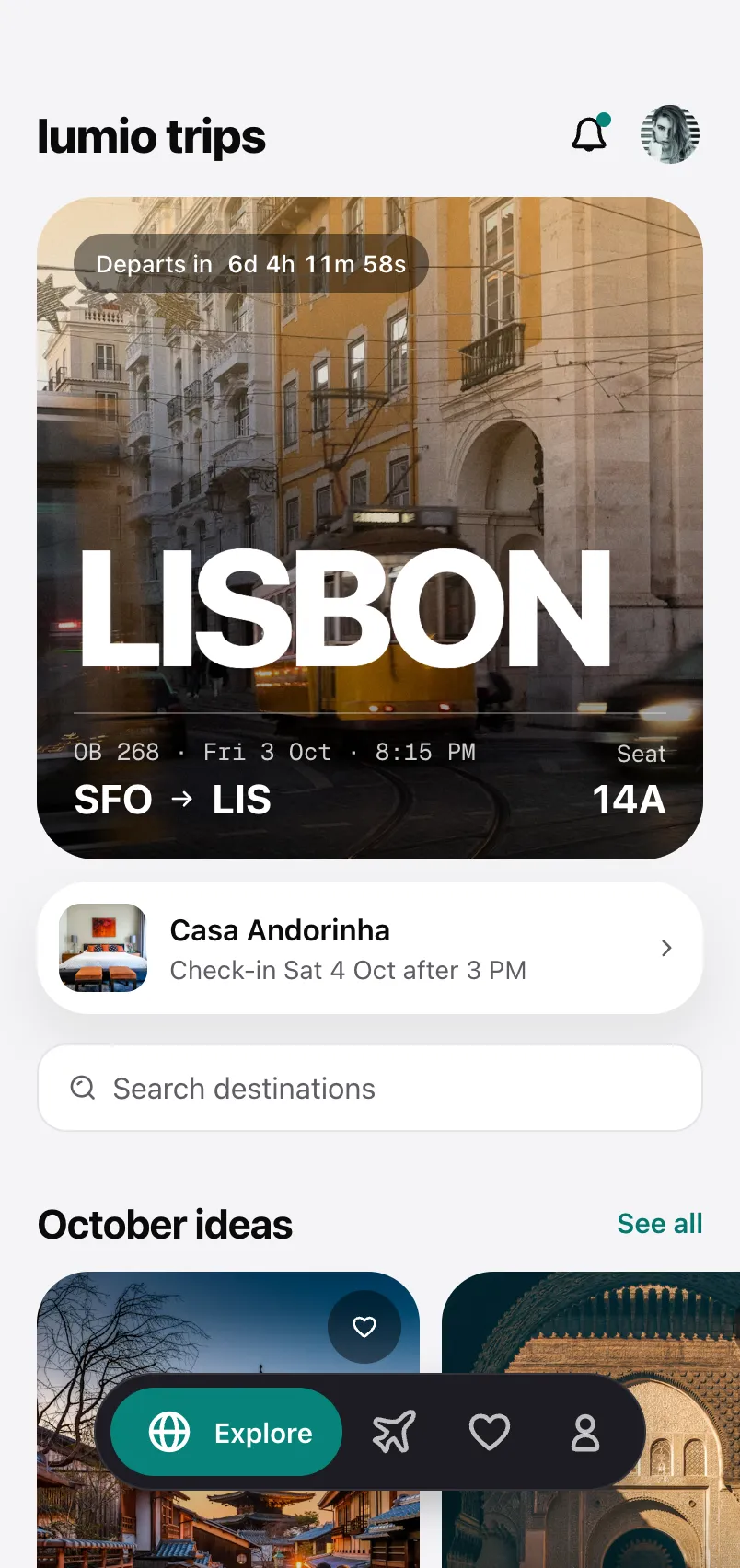
Success Seal
Success moment that stamps a seal onto the receipt, ticket or card that was just paid
A React Native UI library for Expo: components and screens where every result shows up on the thing you touched, a check, a stamp, a soft glow. Installed with one command, as source you own.
iOS Android Open source on GitHub
Yes. The 75 free components and the icon set are open source under the MIT License, on GitHub at github.com/lumioui/lumioui, and free to use in personal and commercial apps. The CLI copies them into your project, and you can change them to fit. Pro components and screen templates come with a paid Pro plan.
Run npx @lumioui/cli init once, then npx @lumioui/cli add button. The CLI copies the source into your repo, so it's yours to read and change. Pro items install with the pro/ prefix.
React Native 0.81+ (Expo SDK 54 and newer, or bare), Reanimated 4 and NativeWind v4. Free components run in Expo Go; a few Pro components use gesture-handler or native modules and need a dev build.
LumioUI is mobile-first and motion-first: its components ship with tuned springs, gestures and haptics, and Pro adds screen templates for whole app flows. Tamagui is strongest when one UI must run on web and native; gluestack-ui and React Native Reusables are broad free kits. See the side-by-side comparisons.
Yes, it's your code. Colours come from semantic tokens, motion from a shared spring vocabulary, so a theme change or a softer spring is one edit away.
No. The free library stands on its own. Pro adds gesture-heavy components and the full screen-template catalog on top.
Install the CLI, add what you need, and own every line.